University IT
Skip Navigation Links
Navigating through an identical header on every page creates an efficiency barrier for users who rely on keyboards or screen readers. A "skip to main content" link is a simple and effective solution.
This feature allows users to jump directly to the unique content of the page. To be effective, this link must be the very first item that receives focus when a user presses the Tab key. Though often hidden by default, the link must become clearly visible when it receives focus, ensuring the user is aware of the option.
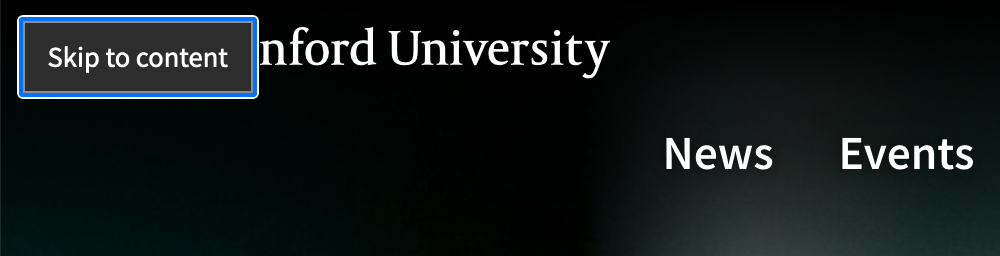
This straightforward method uses CSS to reveal a link upon keyboard focus.
Technique
Add the CSS: This code hides the link by default and makes it visible when a user tabs to it.
.skip { position: absolute; left: -10000px; top: auto; width: 1px; height: 1px; overflow: hidden; }
.skip:focus { position: static; width: auto; height: auto; }
Add the HTML: Place the link as the first element a user will encounter, and is best placed within the header region. The href value (#main) must correspond to the id of your main content area.
<header>
   <a href="#main" class="skip">Skip to main content</a>
   <!-- rest of header goes here -->
</header>
<main id="main">
   <!-- rest of content goes here -->
While this is one of several valid techniques, its simplicity makes it highly effective. For pages with complex structures, such as a news page with extensive search filters, a secondary skip link may be placed just before the filter section to improve navigation efficiency.
Target
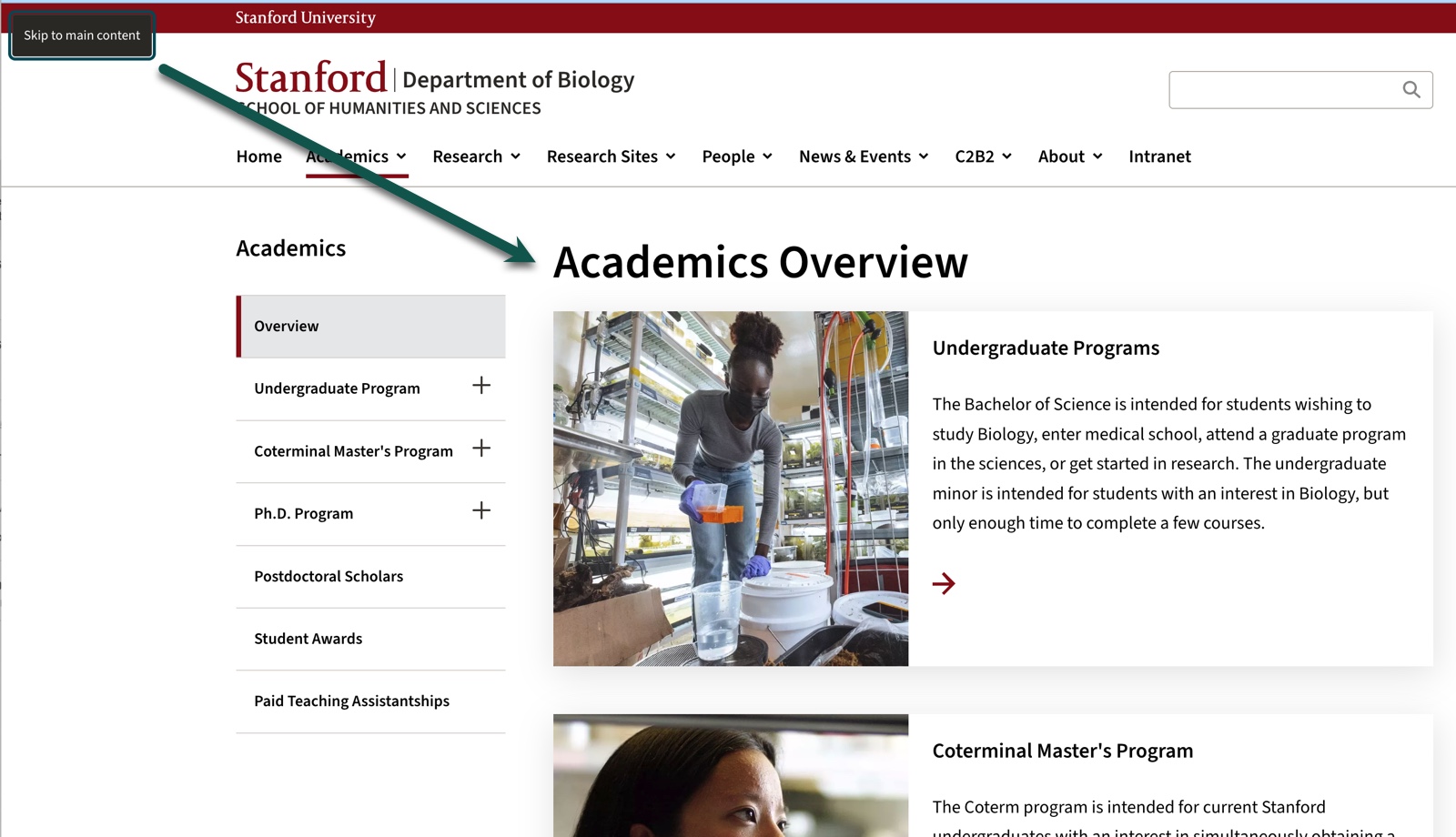
After activating the skip nav link, the user should be brought to the unique content of the page. Typically this is the h1 that corresponds to the title of the page, but can be a different location depending on if there is more navigation between the body and the h1.
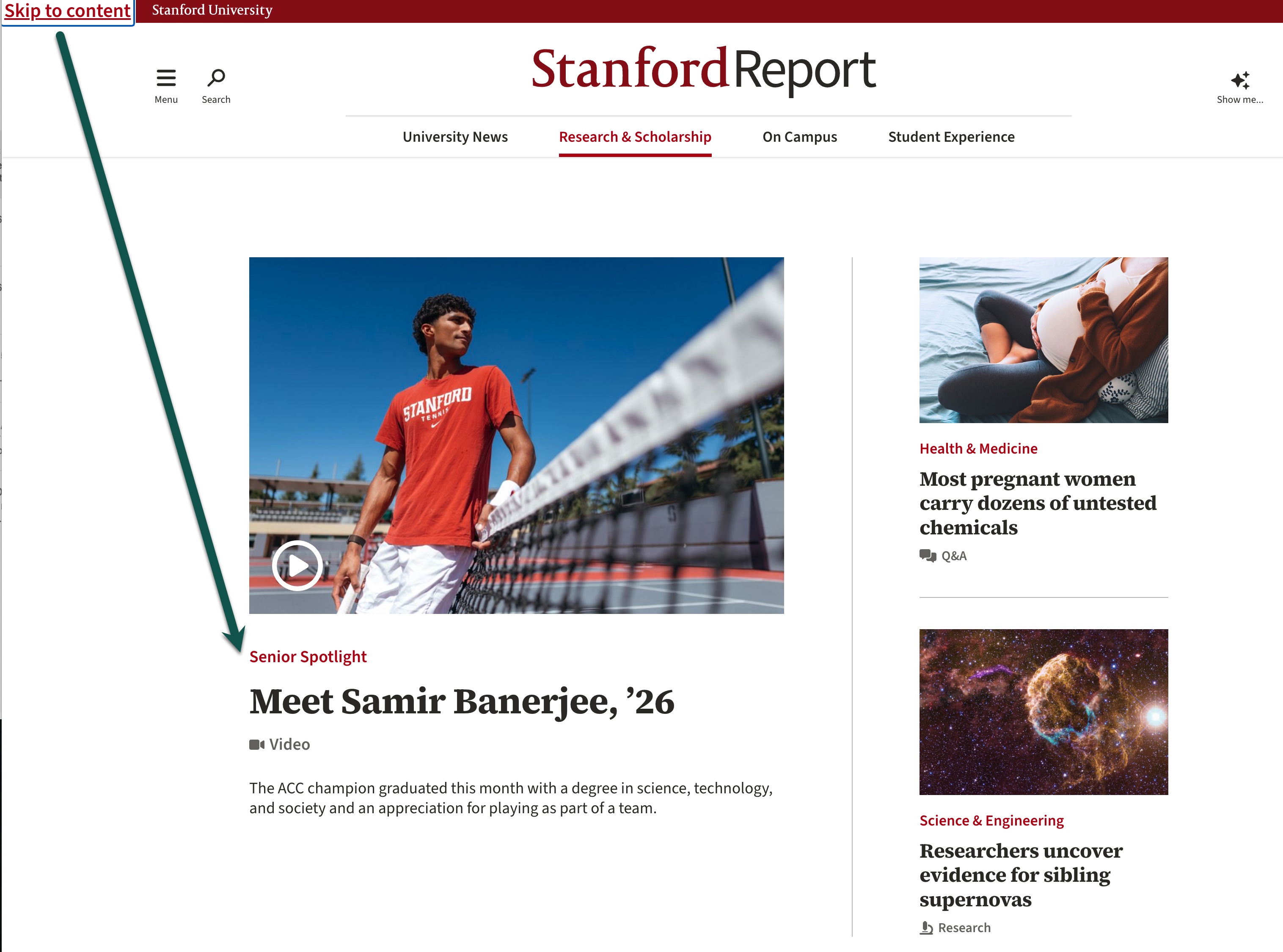
On this page, the appropriate target is to skip both the main navigation and the side navigation and land on the main content of the page.