University IT
Images
Alternate text (alt text) is essential for image accessibility. It provides a textual description that conveys an image's purpose and/or content to screen reader users.
For detailed guidelines, refer to the Images Guidance page.
Images in HTML
Informative images
For images that convey information, provide a text alternative using the alt attribute within the <img> tag. The alt text must be a concise and accurate description that communicates the essential content and purpose of the image.
The simplest method to provide alt text is to include the alt attribute within the<img> element in the HTML code:
<img alt="The Claw fountain with beams of light refracting through the trees" src="claw_fountain.jpg">Decorative images
For images that are purely decorative, use an empty alt attribute (alt=""). This ensures they are correctly ignored by assistive technologies.
<img alt="" src="filename.jpg">Complex images
Please see guidance for complex images: Illustrations, graphs, and charts.
Images in CMS Platforms
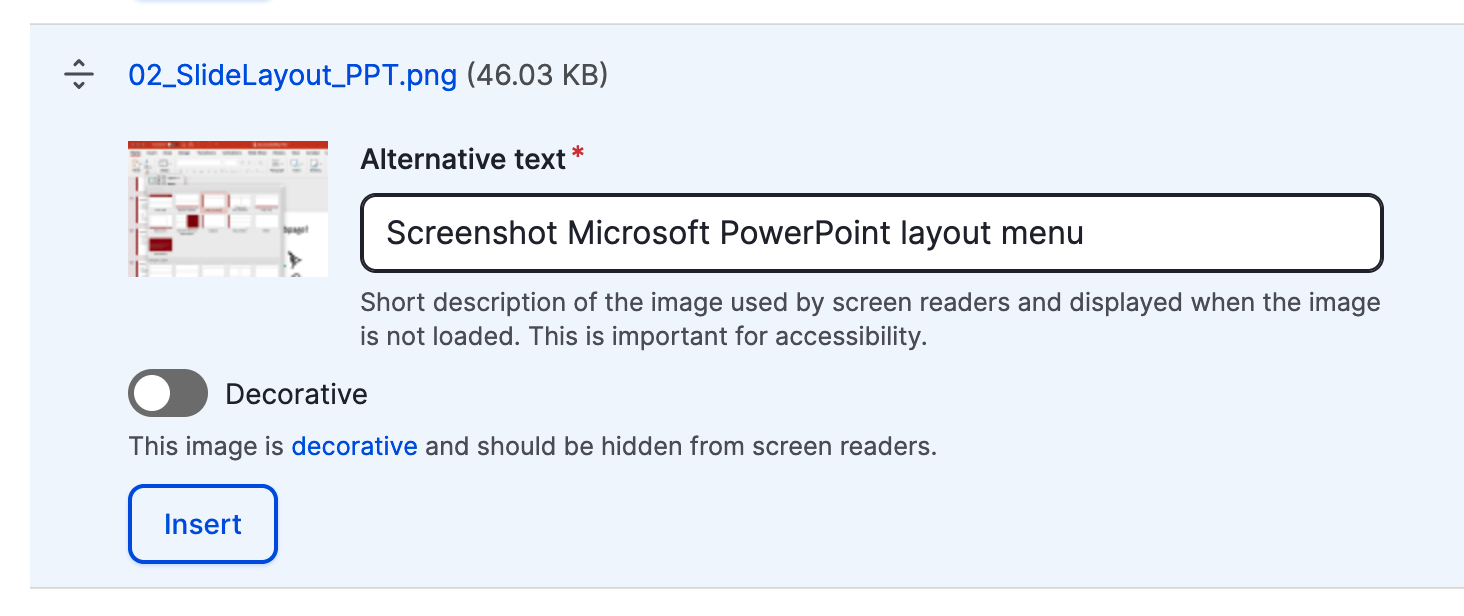
When adding images in a Content Management System (CMS), use the rich text editor to insert the image.
- Informative Images: Provide a descriptive summary in the "Alt Text" field.
- Decorative Images: Select "Decorative" to automatically generate a null alt attribute (
alt="").