 University IT
Microsoft 365 Calendar
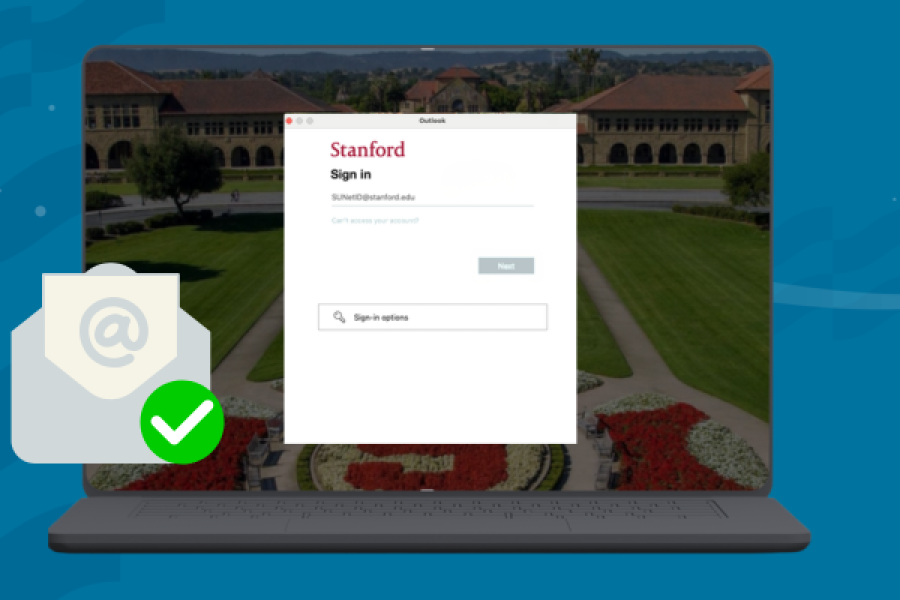
Notice a New Login Screen in Webmail? Here’s Why

Coming Soon: A New Login for Your Stanford University Microsoft Account
Microsoft 365 includes a cloud-based email and calendaring service, hosted by Microsoft. Outlook on the Web (OWA) lets you access your Stanford email, calendar, address book, and tasks on any computer through a web browser. You can also use a desktop email client or a mobile device to access your Microsoft 365 email and calendar.
Features
Access to your Stanford Outlook calendar account through a web interface, a desktop client, or a mobile device.
Designed for
Faculty, staff, and students
Requirements
A full-service SUNet ID
Data security
Low and Moderate Risk data
Rates
Free of charge
Get started
To use Outlook on the web, the web-based email client for Microsoft 365, open a web browser and go to webmail.stanford.edu. Authenticate with your SUNet ID and SUNet ID password.
To install Outlook on your desktop or laptop computer, see Which Version of Outlook Should I Use for links to the installer files.
To set up a desktop email client or mobile device, see the Microsoft 365 configuration instructions.
See Accessibility in Microsoft 365 for information about interacting with Microsoft 365 apps using assistive technology.
Get help
For assistance, please submit a Help ticket.
Learn more
Webmail and Outlook
- Using Webmail and Outlook
- Video Tutorials (e.g. sharing and hiding calendars)
- Common Calendar Tasks
- Resource Calendars
- Calendar Best Practices
- Microsoft 365 Known Issues
Reference
See also
Learn about all of Stanford's Microsoft 365 services
Learn more about Stanford's email and calendar services

Copyright Stanford University. Stanford, California 94305.