University IT
Reclaim Your Time: New Slack AI Features Arrive March 25
What would you do with a little more time each week?
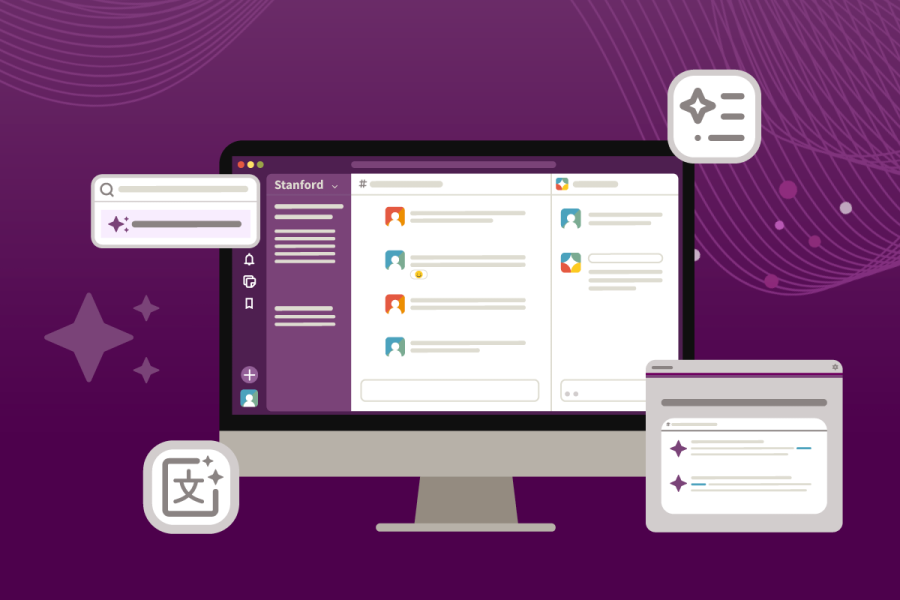
Starting March 25, 2026, new Slack AI features will be available to make collaboration easier and more efficient for everyone. These intelligent tools are designed to handle routine tasks—like searching, summarizing, and organizing—so you can spend more time focusing on the work that matters most to you.
Here’s a quick overview of what these new features can do:
- Find answers and clarity, instantly. Looking for a decision that was made last week? Trying to figure out what an acronym means? Just ask. Slack AI gives clear answers, along with links back to the messages it pulled from.
- Catch up in seconds. Choose the channels you want summaries for, and you’ll get a short recap each morning. You can even mute those channels to eliminate the noise, knowing you’ll still be notified of direct @mentions.
- Turn Slack messages into content. Need to write an announcement, meeting agenda, FAQ, or project update? Slack AI can pull the key points from relevant channels, DMs, and threads and turn them into a draft. You review, edit, and share. No more copying and pasting from multiple places.
- Hand off the routine tasks. If you regularly do the same thing, like routing approval requests or sending reminders, you can describe what you want in plain language. Slack AI will use the Workflow Builder tool to set up a simple workflow to automate the task for you. No coding required.
All of this turns on automatically on March 25, 2026. There’s nothing to install or set up.
A quick guide to getting great results
Before you get started, here are five things you need to know about Slack AI:
- It searches what you already have access to (and nothing more). Slack AI uses information from the channels and conversations you’re allowed to see (including public channels in your workspaces, even if you haven’t joined them). Slack AI won’t pull from private channels or conversations you’re not in, your email, or external websites or databases (unless linked to Slack).
- It’s a great starting point, but not the final word. Slack AI is good at pulling context together quickly, but it can sometimes misunderstand tone or miss details. When something matters, always check the citations and confirm the source.
- Results may vary. Generative AI is powerful but not always consistent. You and a colleague asking the same question might get slightly different answers. If you need a precise, deterministic search, the classic search (Ctrl+G on Windows and Cmd+G on Mac) is still your best option.
- Your data stays protected. Slack AI upholds enterprise-grade security and compliance standards. Your data never leaves Slack's infrastructure and is never used to train AI models.
- It must be used responsibly. High Risk data without PHI can only be shared in private channels and DMs, and High Risk data that contains PHI can never be shared in Slack. See Stanford Risk Classifications.
Explore the new Slack AI features
Now that you know what to expect, visit our updated Stanford Slack AI resource for comprehensive guidance on the new features. Here’s a brief rundown of what’s coming:
- Slackbot (your AI assistant): Find information, summarize discussions, decode acronyms, draft messages, and more.
- AI message explanations: Get clarity on confusing messages by analyzing tone and context.
- Recap: View a personalized daily summary of any channels you choose.
- AI translations: Translate messages into different languages right in Slack.
- Automatic file summaries: See instant summaries of uploaded files (PDFs, docs, etc.) to grasp key points without downloading or opening them.
- AI-generated content in canvas: Use prompts to generate meeting notes, project outlines, timelines, and more.
- AI workflow automation: Build workflows from plain language descriptions.
And don’t forget: you still have access to channel summaries and huddle notes, the Slack AI features that rolled out in October 2025.
Get help
Have a question? Please submit a Help request to the Slack team or join the discussion on #slack-ama.
Learn more
- Explore Stanford Slack.
- Learn more about Slack AI features.
- Visit the Responsible AI at Stanford guide.
DISCLAIMER: UIT News is accurate on the publication date. We do not update information in past news items. We do make every effort to keep our service information pages up-to-date. Please search our service pages at uit.stanford.edu/search.
What to read next:

Action Required: Upcoming Upgrades and Changes to Stanford VPN
Google Drive Files Become Unavailable 180 Days After Owner’s Account Is Suspended