 University IT
What if I can't find my building in the drop-down list?
If you are not able to find your building in the drop-down list after searching through the provided campus map and consulting with your department:
- Log in to StanfordYou with your SUNet ID
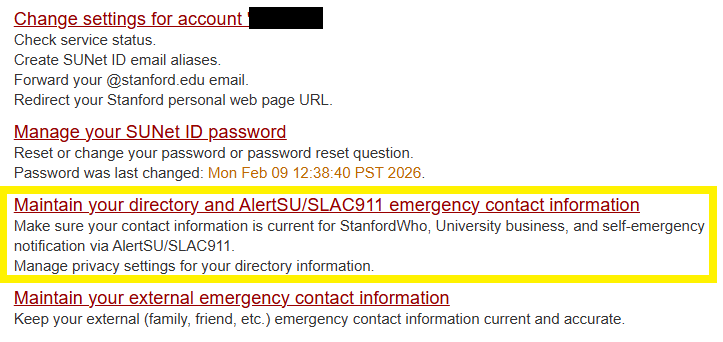
Click Maintain your directory and AlertSU/SLAC911 emergency contact information.
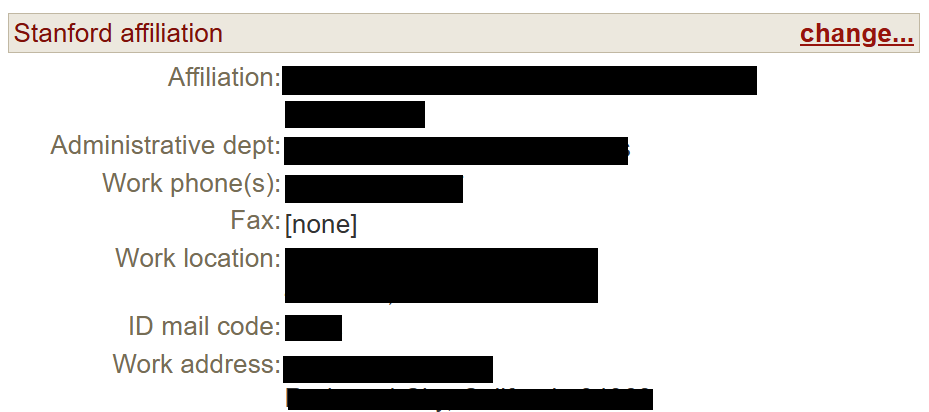
Scroll down to Stanford affiliation and click change... on the right side.
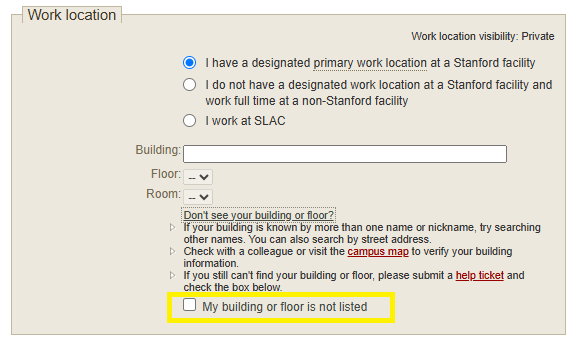
In the Work location section, after specifying the Building and Floor, select the check box next to "My building or floor is not listed" (in conjunction with the selection for "I have a designated primary work location at a Stanford facility").
- Click Save
Last modified
